Add Tags To A Conversation
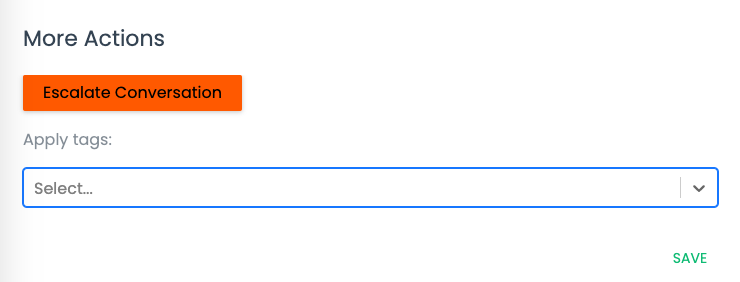
Adding tags to a conversation allows your Spoke administrators to keep informed about your contacts. For example, you can use tags to indicate your contact's primary language, or you can use tags to escalate a conversation. For information on how you should be using tags, contact your Spoke administrators.
To add a tag to a conversation:
- From an open conversation, click Manage Tags.
- Click the **Select...**box underneath "Apply tags"
- Choose one or more tags from the list, or start typing to search for a specific tag.
- Once the desired tag(s) have been selected, click Save.